iOS
GPS Tracks
Beeline Moto & Velo
Garmin & Wahoo
MapsToGPX
MapsToGPX — Support & User Guide
A helper utility designed to bridge the gap between Google Maps and your GPS navigation devices. Convert any route into a standard GPX file in seconds.


Scan with iPhone camera to open directly on the App Store
🚀 Quick Start Guide
- Open Google Maps: Launch Google Maps on your iOS device and plan a route.
- Share to MapsToGPX: Tap the Share button, scroll through the app list, and select MapsToGPX (if you don't see it, tap More at the end of the list and enable it).
- Direct Handoff / Export: MapsToGPX will automatically resolve the link, convert it to a clean GPX track, and prompt you to open it directly in the Beeline app or save/share via standard iOS share sheets.
📸 MapsToGPX Screenshots & Workflow
Click any screenshot to enlarge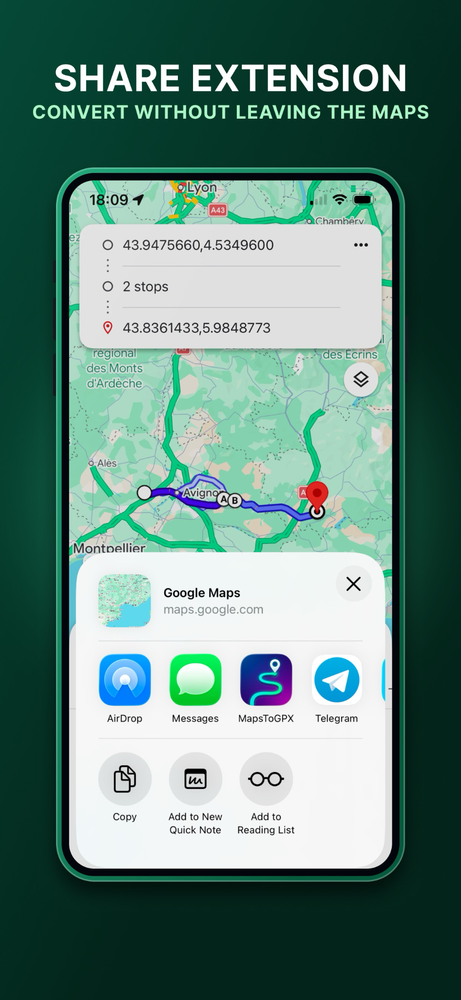
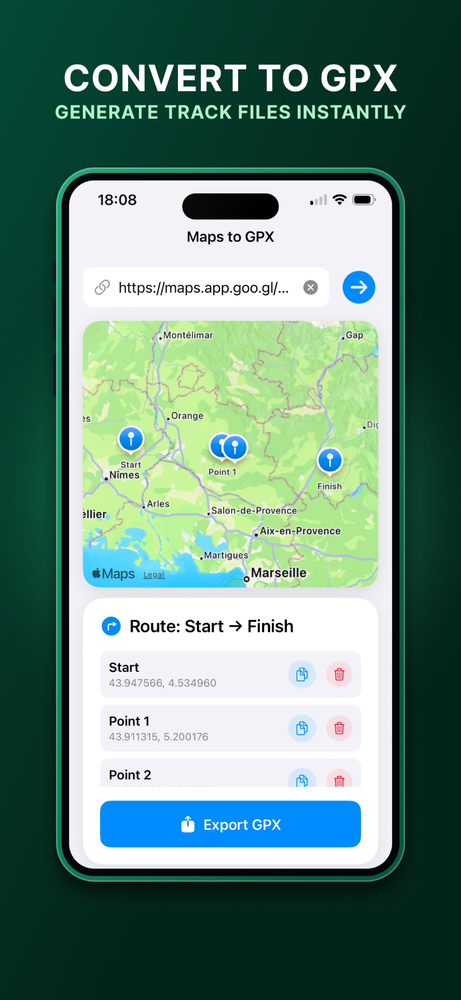
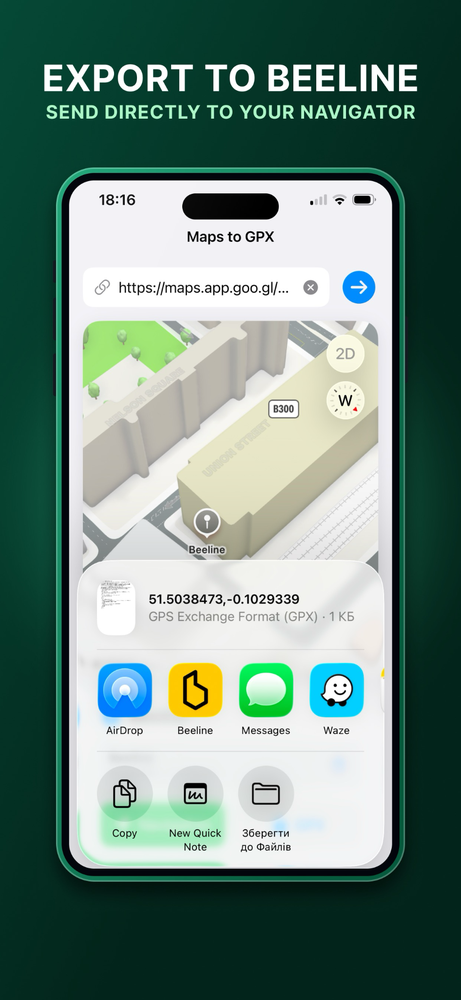
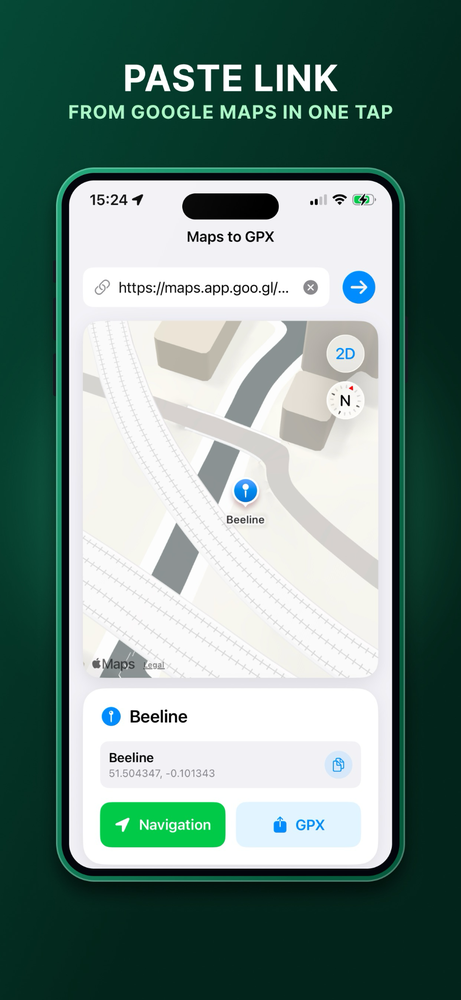
❓ Frequently Asked Questions (FAQ)
While MapsToGPX is optimized for seamless 1-tap handoff to the Beeline app (Beeline Moto & Velo), the generated GPX files are standard route files. You can export and use them with Garmin Connect, Wahoo ELEMNT, OsmAnd, Organic Maps, and any other device or app that supports standard GPX import.
Make sure you are sharing a valid directions route (with start and destination points) or a specific shared location pin. Plain search queries or empty maps without navigation geometry cannot be converted into GPX paths.
No. MapsToGPX works completely locally on your device. We do not track you, we do not store route data on external servers, and we do not use any analytics trackers. Read our full Privacy Policy.
📩 Support & Feedback
Have questions, ideas, or feedback regarding MapsToGPX?
admin@bcmob.com.ua
Read our Privacy Policy.