ShotAnalyzerX
Support & User Guide for ShotAnalyzerX.
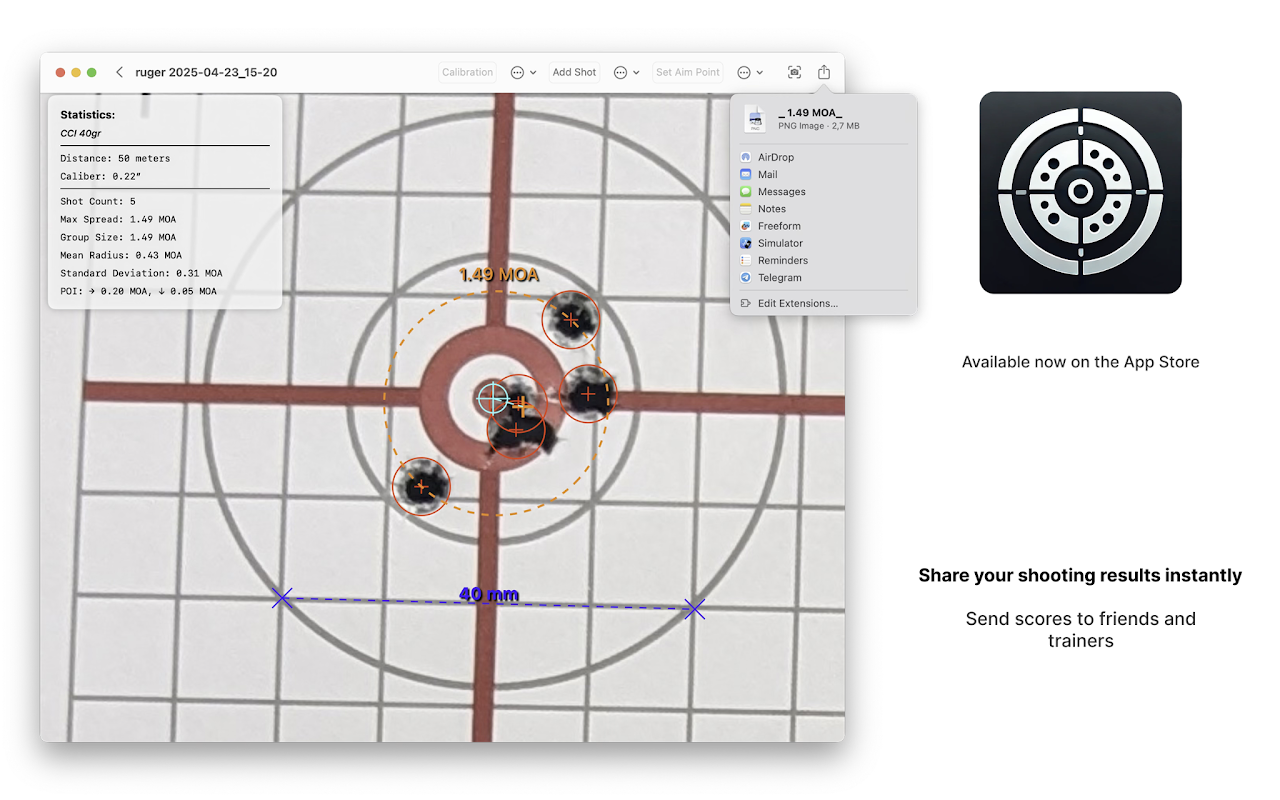
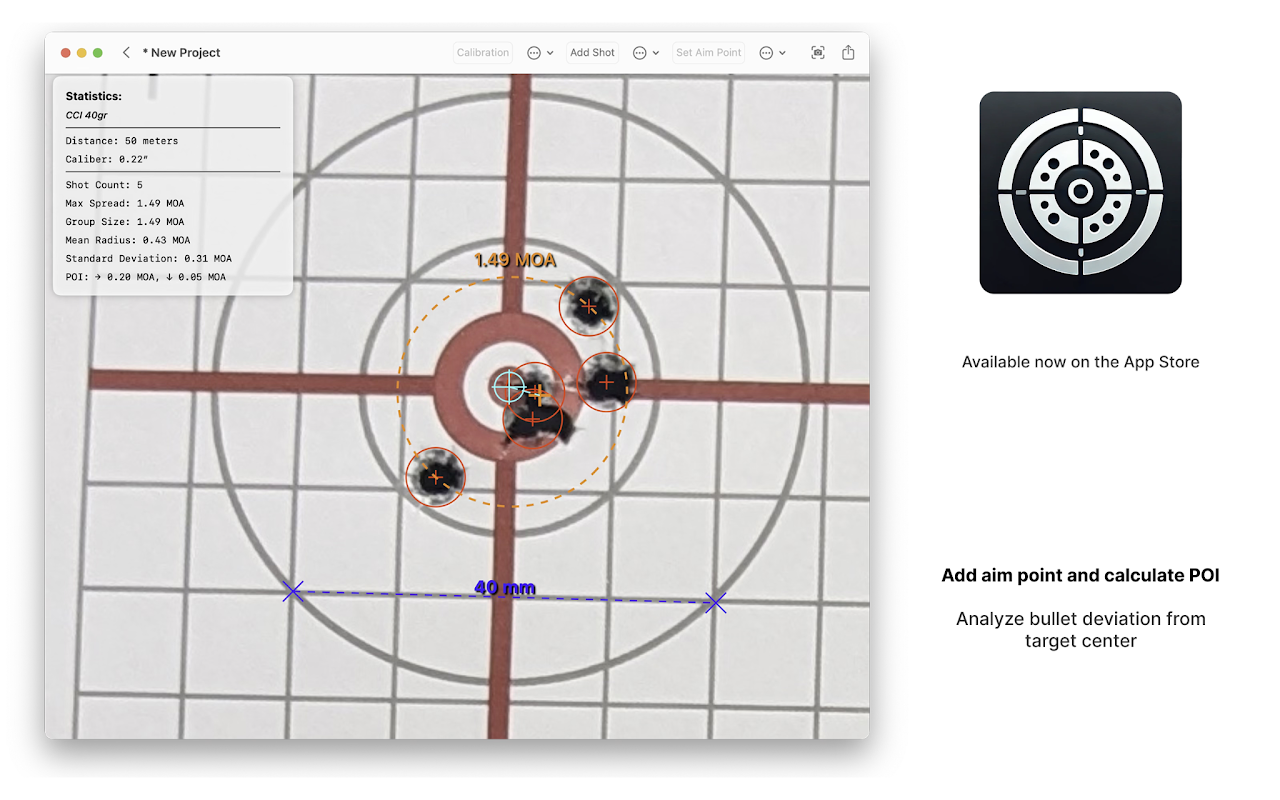
Professional shooting analysis for precision shooters. Measure group sizes (MOA, MIL, mm), analyze multiple groups on a single target photo, and overlay series with Virtual Composite Groups to identify shooter consistency and barrel stability.



Scan with your camera to download ShotAnalyzerX
📸 ShotAnalyzerX Screenshots & Interface
Click any screenshot to enlarge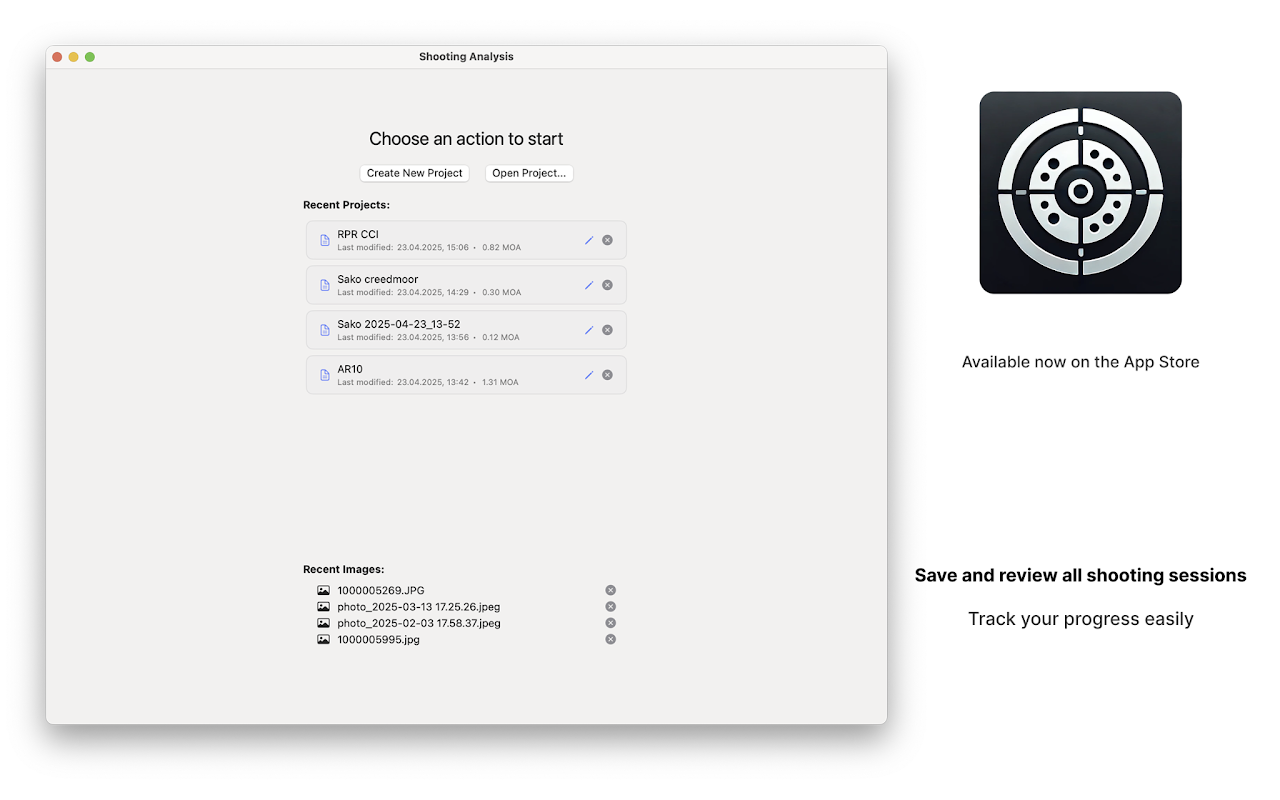
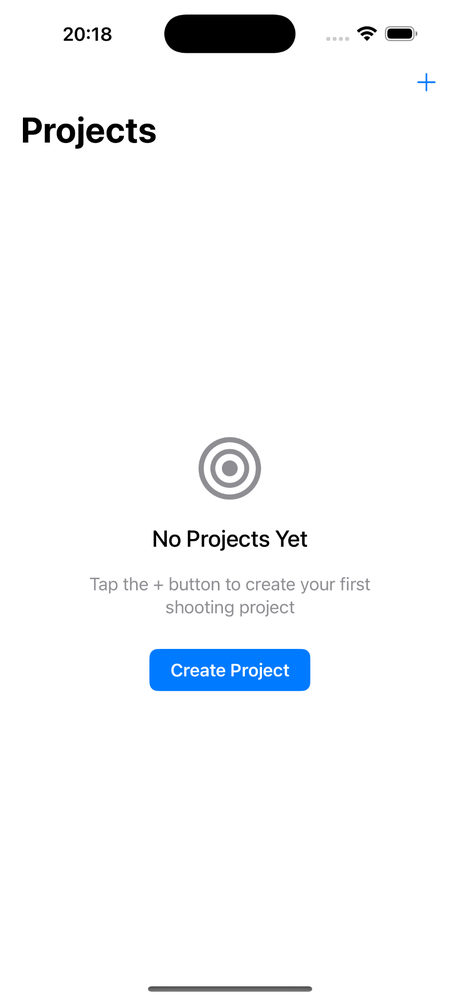
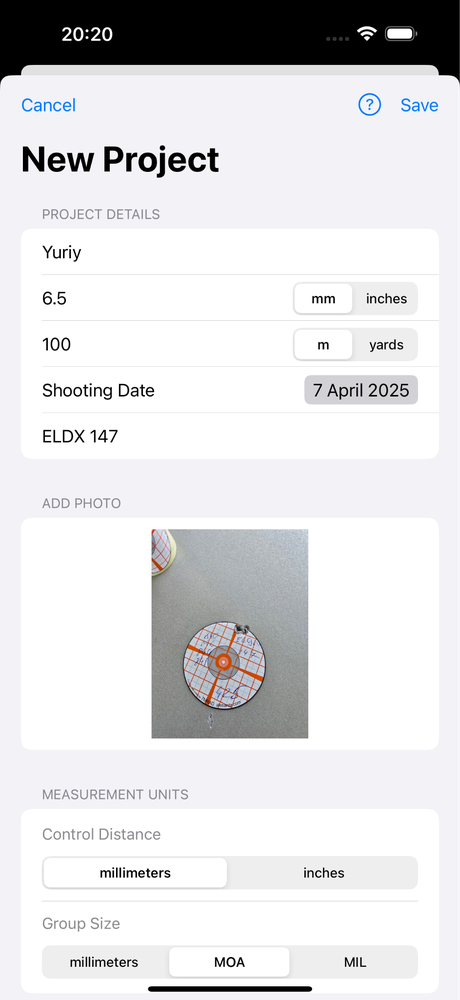
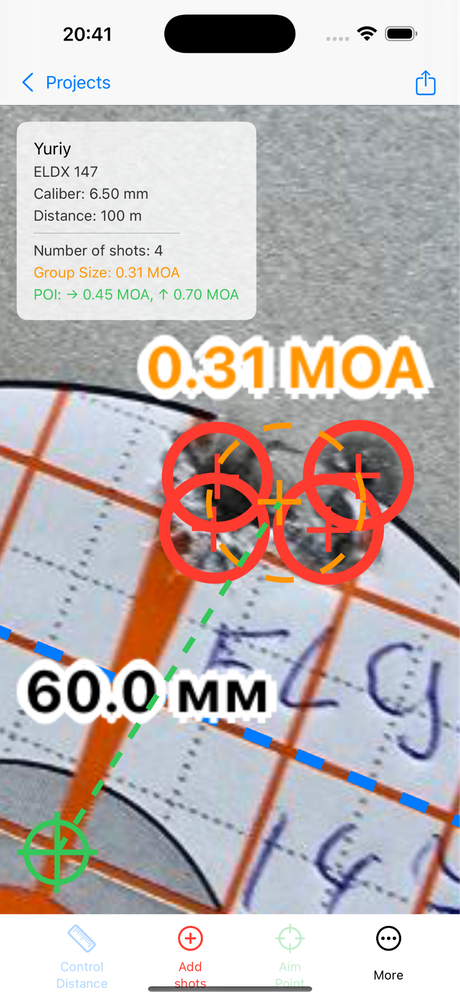
🎯 Advanced Precision Shooting Features
ShotAnalyzerX goes beyond basic group measurement, giving precision marksmen, reloaders, and competitive shooters powerful analytical tools.
Multi-Group Target Analysis
Analyze multiple independent shot groups on a single target sheet or photo without cropping or uploading separate images. Each group receives distinct color coding, center-to-center dispersion, and separate Mean Point of Impact (MPI) calculations.
Virtual Composite Group Overlay
Overlay and aggregate multiple distinct shot series into a single composite virtual group. By aligning group centers, you can analyze true firearm and ammunition dispersion over large sample sizes (e.g. 5x5 or 10x3) while immediately exposing shooter instability, barrel heating, and canting issues.
🔧 Common Questions
📩 Need Help?
If you have any questions or feedback, please contact us at:
admin@bcmob.com.ua
Read our Privacy Policy.